19/10/2026 12:32
Photo or File? A Telegram Artwork Submission Workflow for Cambodian Label-Printing Shops
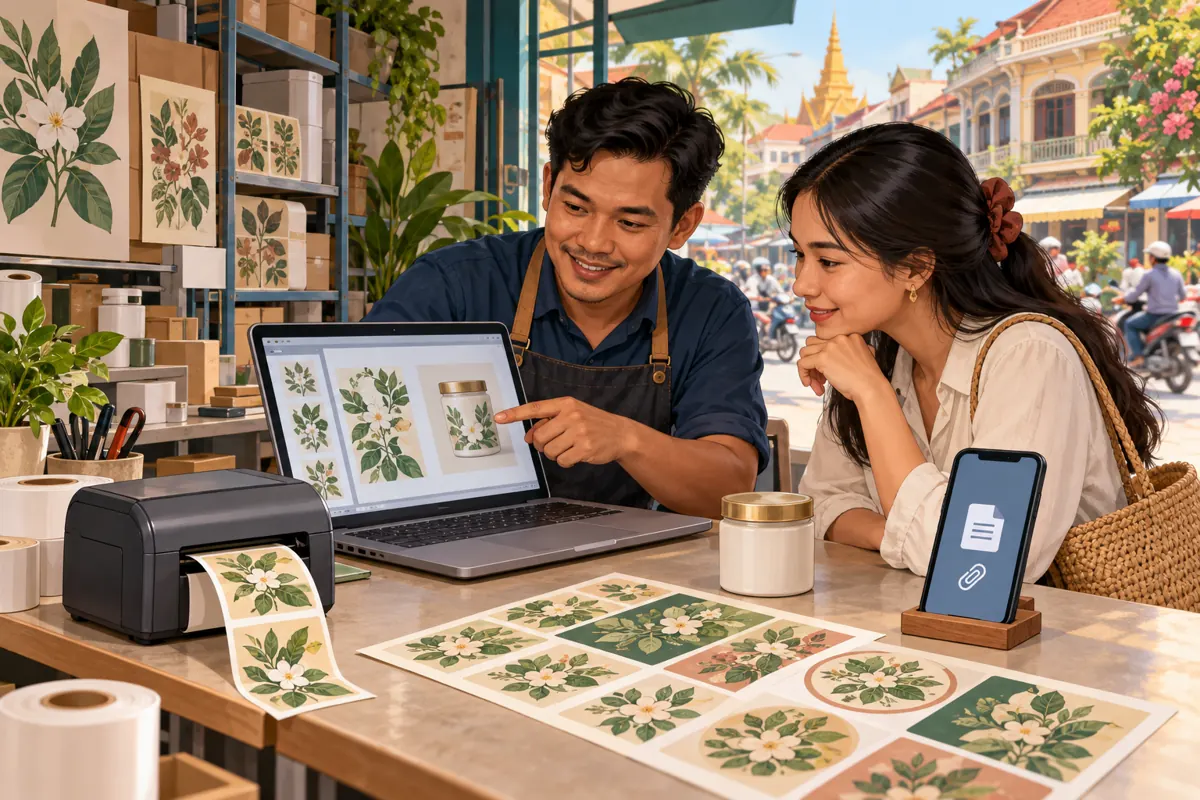
A packaging sample can look attractive in a Telegram post while the artwork arriving in the shop’s inbox is impossible to print clearly. A customer might send a screenshot, an older label design or a photograph of a jar when the printer needs an actual artwork file. For Cambodian label-printing businesses, promotion should therefore explain both what the shop makes and how customers can submit material for review. This workflow connects a public Telegram promotion to a practical file check and an explicit approval. It also explains where an SMM panel service fits into the discussion—and why a purchased view cannot establish that a customer has submitted usable artwork.
1. Define what the promotion should help customers do
Start with a concrete customer action: send the proposed label artwork and the basic job requirements to the shop’s designated Telegram conversation. A promotional post showing finished labels should lead to that action. If it merely says “contact us,” the customer has to guess whether to send a picture, request a price or describe the packaging. Give them an easy starting point without suggesting that every file will be ready for production.
In a hypothetical example, a Phnom Penh label printer wants enquiries from small food businesses preparing jars and takeaway packaging. Its post asks customers to send their original artwork, intended label dimensions, quantity and packaging type. Those details are illustrative requirements chosen by the shop, not Telegram requirements. The business outcome to track is a reviewable enquiry: enough information for a staff member to identify the next step. A larger visible post counter does not establish that outcome.
2. Separate a preview from a production file
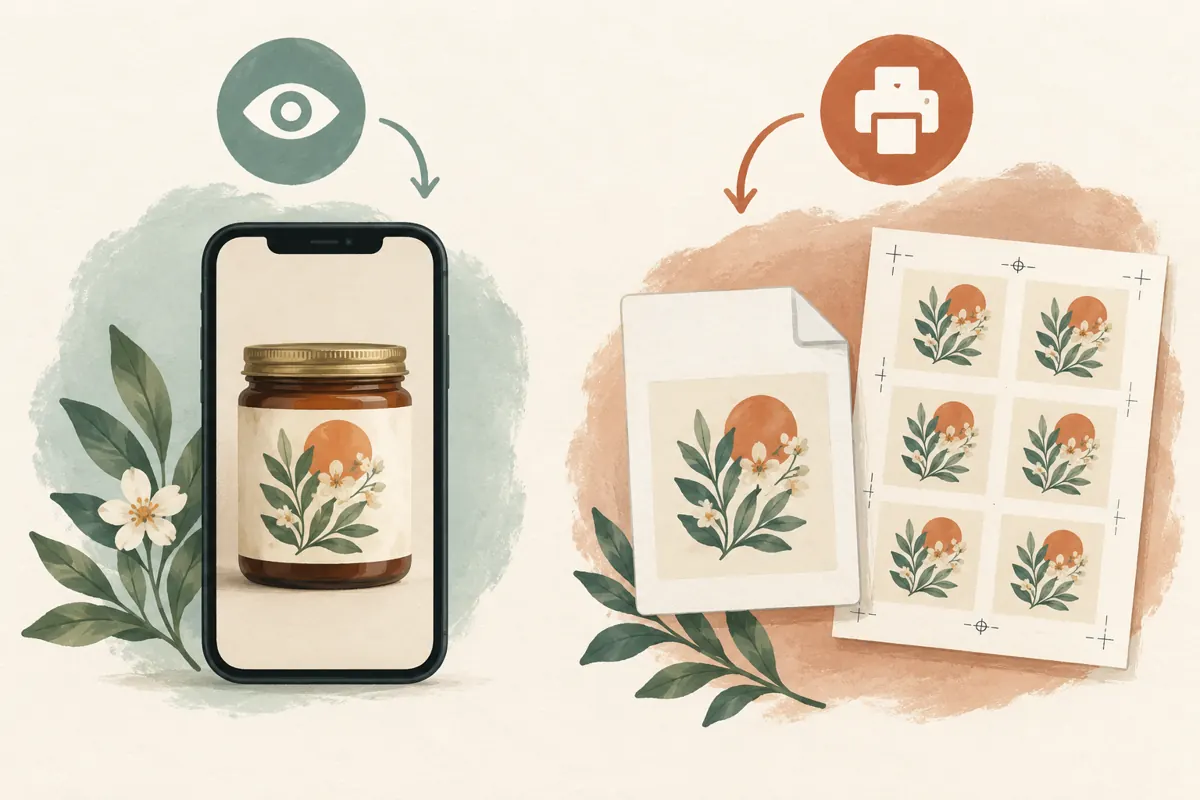
A preview answers “Is this the design you mean?” A production file gives the printer material to inspect and prepare for the actual job. The same image may serve both purposes in some jobs, but do not assume that it does. A screenshot can help identify the correct design while omitting detail, dimensions or other information needed for printing. Sending that screenshot as a document does not restore what was already missing.
Ask customers for the original export or file supplied by their designer whenever possible. Let the production team specify acceptable formats for its equipment and process; do not advertise a universal rule that every PDF or every image is print-ready. If customers only have a photograph, acknowledge it as a reference. Explain that recreating artwork may require a separate discussion about scope, price and approval before anyone commits to a printing schedule.
3. Teach the attachment choice with a small test
Telegram supports file attachments, and its official Android translation catalogue includes the option “Send without compression.” The exact menu arrangement depends on the app in use. Ask the customer to open the attachment menu, choose the file or document route where available, and select the original artwork. When an image-specific menu offers the uncompressed option, identify it clearly. Avoid publishing a rigid sequence of button positions that has only been checked on one employee’s phone.
Before putting these instructions in a promotion, test them with a harmless sample on the devices your staff actually use. Send the sample, download the received attachment and open it on the workstation used for review. Check that the intended file arrived and that the instructions are understandable. Telegram’s official attachment guidance documents file sharing, but successful transfer alone says nothing about whether the contents meet your printing requirements.
4. Put a short submission brief beside the sample
Keep the public instructions short enough to follow while holding a phone. A hypothetical caption could say: “Planning labels for your jars? Message us your original artwork file, label width and height, quantity and packaging material. If you only have a photo, send it as a reference and tell us you need artwork help. We will check the material before confirming production.” Adapt that wording to services the shop actually provides.
For customers communicating in Khmer, have a fluent staff member explain unfamiliar terms using the shop’s normal vocabulary. A short demonstration can show the attachment choice without exposing a real customer’s chat. Keep the public post focused on submission; detailed technical specifications can follow in the conversation. Make the first request manageable, then ask targeted questions about missing details. Requiring customers to understand every production term before they can enquire creates unnecessary friction.
5. Give the received file a definite identity
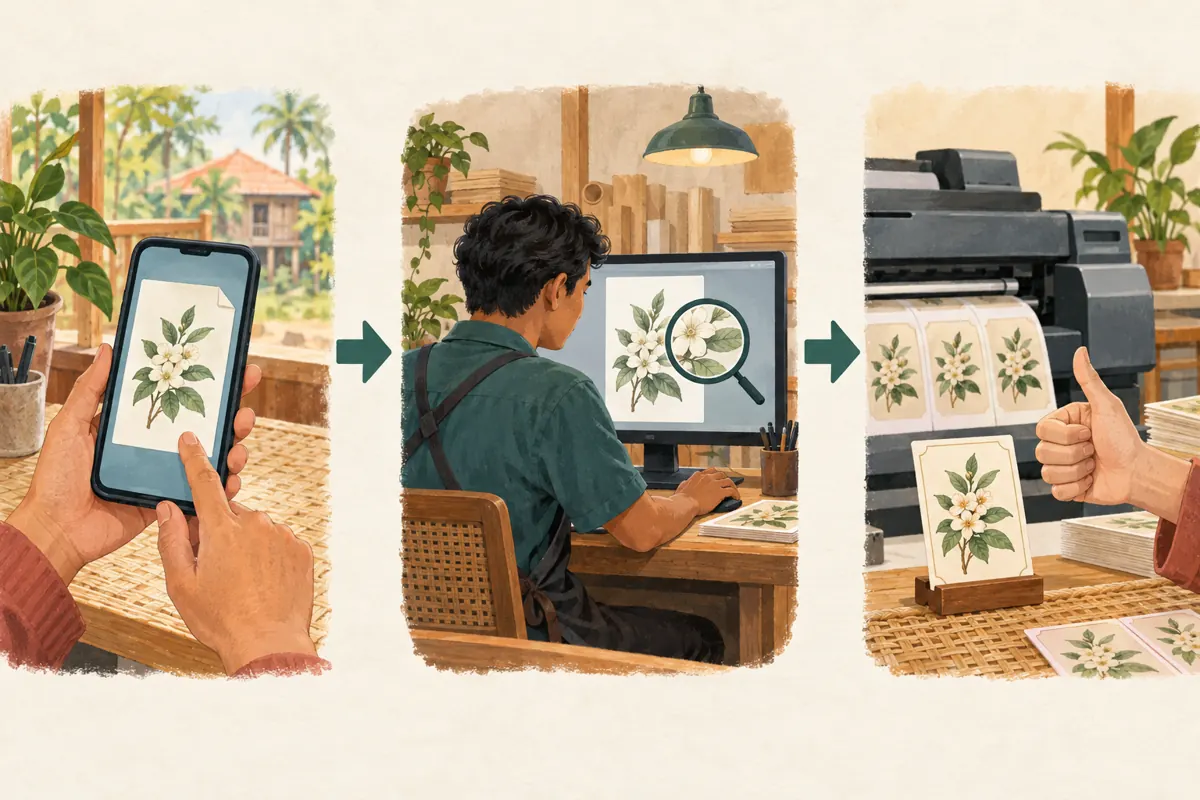
Once an attachment arrives, record which enquiry it belongs to and which version the customer intends to use. A simple internal job reference, filename and receipt date are often enough to begin. In a hypothetical job, “jar-label-front-v03.pdf” is easier to distinguish than several attachments called “final.” Ask whether there is also a back label or another size, rather than assuming one attachment covers the whole order.
Do not rely only on the latest visible picture in a busy conversation. A customer might send an older version to explain a change. Reply to the relevant attachment and state what you understand: “We will review this front-label file for the dimensions you supplied.” If a replacement arrives, identify the superseded version in the job record. This makes it less likely that the person preparing the printer will select a familiar-looking but outdated design.
6. Check the attachment before promising production
Open the downloaded file in the software your production team normally uses. Confirm that it opens, contains the expected design and has the necessary pages or components. Review the intended physical dimensions and inspect text and images at a useful scale. Where the process requires margins, bleed or other preparation, have the responsible printer assess those requirements. Avoid promising that an attractive phone preview will reproduce identically on a particular material.
For Khmer labels, include a language and appearance check with someone qualified to read the text. Look for missing characters, unexpected line breaks and changes between the customer’s reference and the opened file. If a problem appears, describe it specifically and request the appropriate correction. “Please send the designer’s export because the small text is unclear” gives the customer a usable next step. “Bad quality” does not explain what to change or who should change it.
7. Keep receipt, review and approval separate
Use three distinct statements in customer communication: the file has arrived, the shop has checked it, and the customer has approved the identified proof for production. A delivery acknowledgement should not sound like production approval. For example, a hypothetical reply might say: “We received your artwork. We still need to check the label size and send the proof.” This prevents a quick acknowledgement from becoming an accidental promise about readiness or timing.
When the proof is ready, identify the version, dimensions and relevant job details in the approval request. Ask the customer to confirm that specific proof rather than interpreting a heart reaction or a general “looks nice” as permission to print. If wording or artwork changes afterward, review the replacement and seek approval again. Where colour or material appearance matters, discuss an appropriate physical sample with the printer instead of treating a phone screen as a production guarantee.

8. Decide whether panel views address the actual problem
The supplied public catalogue includes the exact service name “Telegram Post Views.” Its name identifies a post-view service, but the supplied description is empty. That information does not establish audience location, delivery method, retention, genuine interest or suitability for a particular campaign. Do not present it as a way to obtain Cambodian buyers, validate artwork or secure printing orders. It is also not evidence of an official relationship with Telegram.
Before considering a purchase, identify the bottleneck. If customers cannot find the submission instructions, improve the post. If they send screenshots, demonstrate the file choice. If enquiries wait unanswered, assign someone to review them. Purchased engagement cannot resolve those operational problems. Any service decision also needs a review of current terms and applicable platform rules. It is reasonable to decide against spending on views when the shop’s real need is clearer instructions or faster artwork assessment.
9. Measure usable submissions without overstating attribution
Telegram’s Channels FAQ explains that channel view counts include views of forwarded copies and are approximate. Therefore, a post counter should not be treated as a count of unique local prospects. Keep it separate from your enquiry record. Useful internal observations include whether an original file arrived, which information was missing, whether the file passed review and whether the customer approved a quote or proof.
In a hypothetical weekly review, staff notice that several enquiries contain only screenshots. That observation supports changing the submission instructions; it does not prove that the promotional image failed. Ask customers how they found the shop when appropriate, while allowing “unknown” as an answer. If panel views were purchased, record that purchase separately and disclose it in reporting. Do not attribute all later enquiries to the purchase or calculate sales success from a counter that cannot establish who viewed the post.
10. Correct recurring mistakes at their source
Three mistakes deserve particular attention. First, renaming a screenshot with a different file extension does not convert it into usable original artwork. Second, receiving a large attachment does not prove that the design is sharp, complete or correctly sized. Third, finding the word “final” in a filename does not establish customer approval. Each assumption can move an unsuitable file closer to production without anyone making the necessary decision.
At the end of a review period, choose one recurring obstacle and improve the relevant instruction. If customers cannot locate their export, show them what to request from their designer. If staff confuse replacements, improve version identification. If approval messages are vague, rewrite the approval request. Keep customer artwork and private order details out of public examples unless permission covers that use. Promote the shop’s practical help with submissions, using honest demonstrations rather than inflated engagement as evidence of quality.
Frequently asked questions
Can a customer send a photo first if they cannot find the original artwork?
Yes. Treat it as a reference that helps the shop understand the request. Explain what remains unresolved and ask whether the original designer can provide the file. If recreation is necessary, discuss that work separately. Do not imply that sending the same photo through a different attachment option will recover missing detail.
Does sending artwork without compression make it print-ready?
No. Avoiding an additional image-compression step does not correct the source artwork. The shop still needs to check the actual file, intended dimensions, text and production requirements. An unsuitable source remains unsuitable even when it transfers successfully. File receipt and production acceptance should be communicated as separate events.
Should customers post their artwork in the public promotional channel?
Direct submissions to the designated customer conversation instead. Public promotion can use a shop-owned demonstration file or a properly authorised sample. Keep customer contact details, unpublished packaging and order discussions out of public teaching material unless the customer has explicitly permitted that specific use.
Can Telegram Post Views show whether the submission instructions worked?
No. Purchased views do not establish that people understood the instructions, downloaded anything or sent usable files. Evaluate the workflow through actual enquiries and the corrections they require. Telegram also describes channel counters as approximate and inclusive of forwarded-copy views, so they cannot identify a Cambodian customer audience.
What should staff do when a customer changes the design after approval?
Pause production if it has not started and establish exactly what changed. Identify the replacement file, review any effect on preparation or scheduling, and request approval of the revised proof. If production has already begun, explain the situation before promising a replacement or accepting a new delivery expectation.
Explore the current service catalogue, create an account, or ask a specific question through support tickets.
- Telegram Translations: Send without compression
- Telegram: Download Manager, New Attachment Menu, Live Streaming With Other Apps and More
- Telegram Channels FAQ
Prepared with AI assistance. Illustrations explain the workflow and do not represent customer results.