21/10/2026 01:27
Guide, Map or Booking Page? Telegram Link Previews for Cambodian Bicycle-Rental Shops
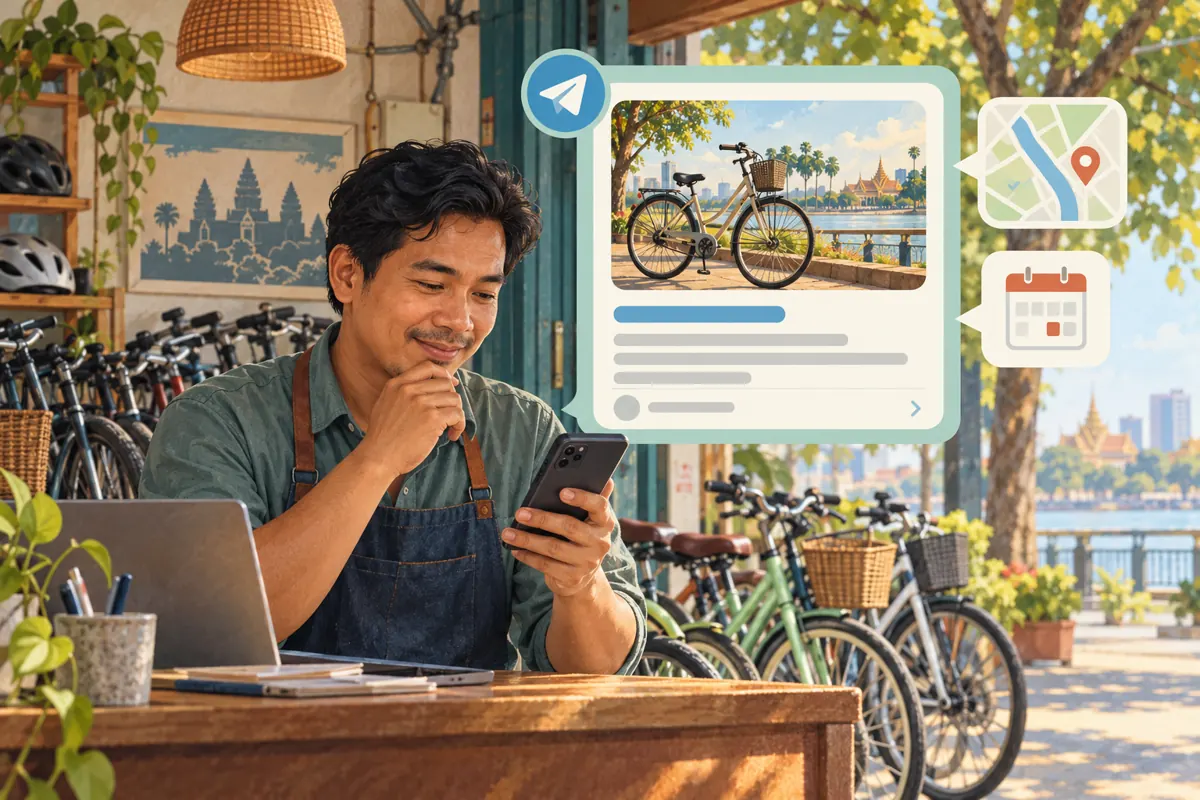
A bicycle-rental promotion can contain three useful links and still leave readers unsure where to tap. The message offers a rental guide, a pickup map and an availability form, but its largest visual card shows only the map. Someone browsing quickly may assume the whole post is about directions. For Cambodian shops promoting through Telegram, choosing the preview is therefore an editorial decision: which destination best supports the message’s main purpose? This workflow explains how to make that choice, check the resulting customer journey and decide whether the post is ready for promotion. It also explains why an SMM-panel view order cannot establish that anyone opened the guide or requested a bicycle.
1. Give the post one primary job
Start with a sentence describing what a reader should accomplish. For a first-time renter, that might be understanding the available bicycle types before asking about a date. For someone already holding a reservation, it might be finding the collection point. These needs deserve different emphasis, even when both messages contain the same links. Write the purpose before assembling the post so that the most attractive image does not accidentally decide the customer journey.
Consider a hypothetical Phnom Penh bicycle-rental shop preparing a weekend introduction for local residents. It has a guide explaining its bicycles, a map showing its counter and a form for availability enquiries. Its primary job is helping readers choose a suitable rental category. The guide should lead; the map and form support later decisions. This example is an editorial scenario, not a claim about an existing shop or its results.
2. Understand the preview controls
Telegram’s official announcement on adjustable link previews says users can select which link supplies the preview when a message contains several links. It also documents media-size controls and placement above or below the message. The preview area itself can be tapped to open the linked destination. These controls let an editor decide which page receives the strongest visual emphasis.
Prepare the complete message in the app you actually use, then open its link-preview settings and inspect the available controls. Interface details can vary, so judge the visible result instead of following an old screenshot mechanically. This article’s recommendation is to choose the destination first and adjust presentation second. A visually impressive card is useful only when its destination fulfils the expectation created by the surrounding copy.
3. Assign a role to every link
Make a brief internal list pairing each destination with its purpose. The guide answers what can be rented and what customers should consider. The map answers where collection happens. The enquiry form gathers the information staff need to check availability. If two destinations perform the same job, keep the clearer one. If a link does not help the reader act on this particular message, leave it for another post.
Use descriptive wording around each link. In the hypothetical shop’s draft, suitable labels would be “Compare bicycle types,” “Find the pickup counter” and “Request availability.” Avoid calling an enquiry form “Confirm your bicycle” unless submitting it genuinely creates a confirmed reservation. Likewise, a scenic route page should not be presented as the pickup location. Clear labels protect readers from guessing, including people who ignore the preview image and read only the message.
4. Choose the card that answers the opening promise
Read the opening sentence aloud and ask which page completes it. If the post promises help choosing between bicycle types, the guide is the sensible preview candidate. If it announces a changed collection point, the map may deserve priority. If it invites availability enquiries for a clearly explained rental option, the enquiry page may fit. This decision is about continuity between the promise and the next screen, not a universal rule that product photographs always perform better.
Now assess the visible card: does its title identify the right subject, does its image represent the offer, and does its description avoid an outdated promise? A generic homepage image may look polished while saying little about rental choices. An old event banner may suggest an offer that has ended. Treat either as a reason to improve the linked page or choose another accurate destination, rather than relying on the caption to undo the confusion.
5. Keep rental conditions in the message
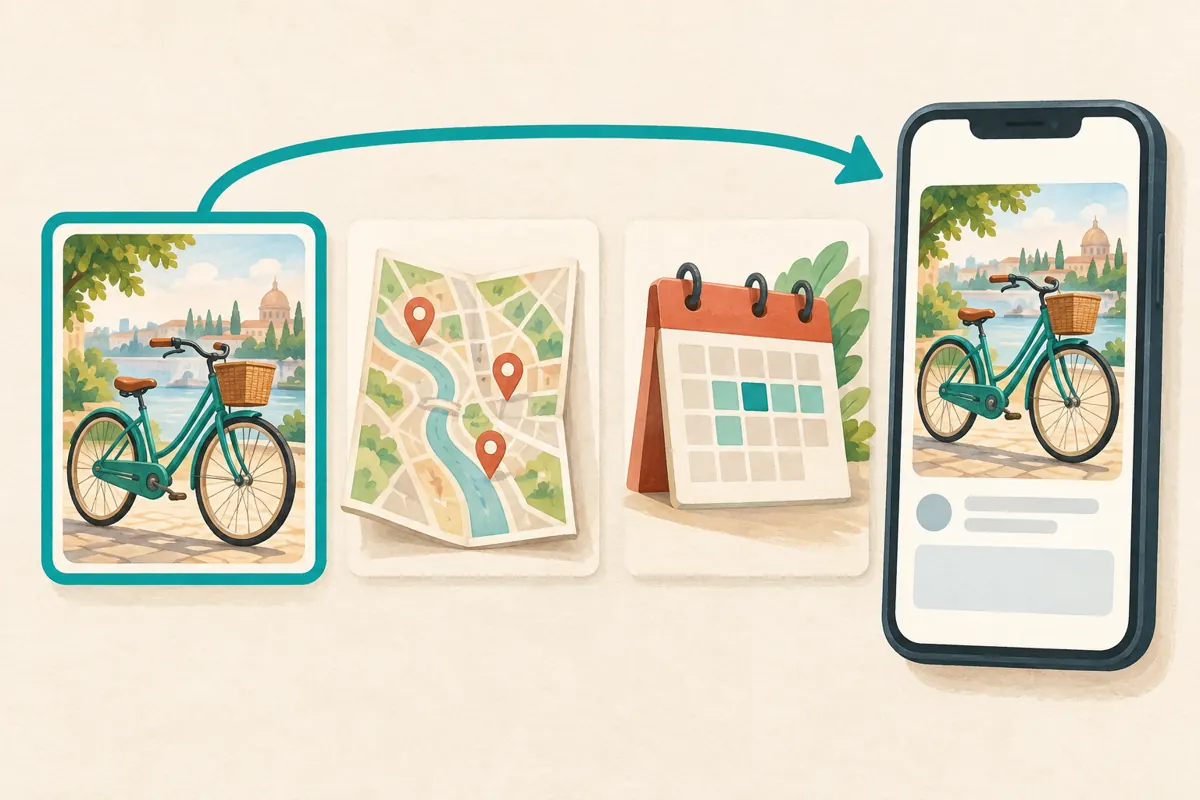
The preview should not carry every important condition. Put the essential context in the post itself: the collection area, the rental period being discussed, how availability is checked and whether the pictured bicycle is an example. Where prices are included, identify the currency and charging period using the shop’s approved terms. Do not make a reader open several destinations merely to discover that the offer does not fit their intended date.
For the hypothetical Cambodian shop, an English-language draft might explain that the guide compares rental categories and that staff confirm availability after reviewing an enquiry. If the shop serves Khmer-speaking readers, prepare customer-facing wording in language they understand and have it reviewed by a competent speaker. The preview image cannot compensate for unclear conditions. Keep private identification details, payment evidence and individual booking information out of the public promotional message.
6. Test the full journey before promotion
Ask a colleague to review a test message as an ordinary reader. First, have them describe what they expect the main card to open. Then let them tap it and compare that expectation with the destination. Repeat the check for each supporting link. Use a phone, because a page that looks orderly on a large work screen may hide its enquiry controls or essential rental details on a smaller display.
Check access without relying on the editor’s website login. Confirm that the guide loads, that the map points to the intended counter and that the form can be understood without staff explaining it. If testing submission, use an agreed test entry and tell the staff member receiving it so it is not mistaken for demand. Record the specific failure when something breaks: wrong destination, inaccessible page, misleading image or unclear next action.
7. Resolve stale or misleading previews
When the preview disagrees with the page, separate the two problems. Open the page directly and establish whether its own content is correct. If the page still contains an expired offer or wrong bicycle image, send the exact URL and the required correction to the person maintaining it. If the page is accurate but the preview remains misleading, do not assume repeated pasting will refresh it immediately. Recheck the actual message before approving it.
Set a practical release rule: a material contradiction blocks promotion. A card suggesting a confirmed rental when the page only accepts enquiries is material. A decorative crop that does not affect meaning may be acceptable. If a deadline arrives before the problem is resolved, use another accurate destination or simplify the message around a verified link. Save the approved wording and destination together so that another staff member does not reintroduce the discarded version.
8. Decide what an SMM service could actually contribute
The supplied bong-views.com catalogue includes the exact public service name “Telegram Post Views.” Its name identifies a post-view service, but the supplied description is empty. That information does not establish geographic targeting, delivery timing, retention, unique viewers or website traffic. Before considering an order, review the current service conditions and accepted target format. If the terms do not explain what you need to know, ask support or leave the order unplaced.
For this workflow, a post-view service would not repair a wrong preview, improve the rental guide or handle an availability enquiry. Purchased engagement is not evidence of genuine interest, sales, ad delivery or Cambodian users. If the business objective requires verified local enquiries, do not treat a view order as an equivalent purchase. Any decision to use a panel should follow a review of applicable platform rules and a clear understanding of the limited deliverable.
9. Separate post views, page visits and rental requests
Telegram’s Channels FAQ describes channel view counters as approximate and says forwarded copies contribute to the total. A channel counter therefore cannot serve as a count of distinct prospective renters. It also does not tell you whether someone opened the selected preview. Record what each source actually observes: the channel shows a post counter, website measurement may show page activity, and the shop’s enquiry record shows messages or forms received.
Choose a review period before sharing the post. Note the publication time, the selected preview destination and any paid promotion separately. Where website measurement is available, review the relevant page without pretending every visit came from Telegram. For enquiries, record the rental category and requested date only as needed for operations. A question about availability is still different from a confirmed booking. These distinctions keep the review useful even when the visible view total rises.
10. Improve the next post from specific friction
Avoid changing the image, opening sentence, destination and enquiry process together if you want to understand what caused confusion. First fix the clearest problem. If readers repeatedly ask where to collect bicycles, strengthen the pickup information. If they arrive at the enquiry form without understanding the categories, make the guide easier to find. If the preview points to the wrong page, correct that selection before debating visual style.
Common mistakes include allowing a map card to dominate a comparison guide, displaying a bicycle that is not covered by the offer, burying availability conditions beneath decorative copy and describing a rise in post views as increased bookings. Keep a short editorial note explaining the chosen card and why it fits the post. The next staff member can then update the promotion deliberately instead of inheriting a layout whose purpose nobody remembers.

Frequently asked questions
Should the booking page always supply the preview?
No. Choose it when the post gives readers enough context to make that next step sensible. A first-time renter may need the comparison guide first. Also distinguish a booking page from an availability-request form: the preview and surrounding wording should not imply confirmation that the destination cannot provide.
What if the post needs both the guide and the pickup map?
Keep both when they serve distinct needs, but give the main task clear priority. Label each link by purpose and select the corresponding preview deliberately. If the message becomes difficult to scan, split the introduction and collection instructions into separate posts with enough context to understand each independently.
Can I use an attractive bicycle image when that model is unavailable?
Only if the presentation remains accurate and clearly explains what the image represents. For a specific rental offer, showing an unavailable model can create a false expectation. Prefer an image of the relevant category and state when availability requires confirmation. Do not use an appealing preview to conceal a mismatch.
Does Telegram Post Views mean visitors opened my rental guide?
No. The supplied service name refers to post views and includes no supporting description promising link clicks or website sessions. Use appropriate website evidence to assess page activity, and retain separate enquiry records. Neither a purchased view nor a website visit proves that a rental was requested or completed.
How should a small shop review the post without website analytics?
Use a practical enquiry log and ask customers, optionally, which information helped them find the shop. Record recurring confusion about bicycle types, collection or availability. Describe those observations honestly as feedback from respondents. Without suitable measurement, leave click totals and conversion claims unknown rather than deriving them from the channel counter.
Explore the current service catalogue, create an account, or ask a specific question through support tickets.
- Telegram: Replies 2.0, Adjustable Link Previews, Name Colors and More
- Telegram Channels FAQ: What does the eye icon mean?
Prepared with AI assistance. Illustrations explain the workflow and do not represent customer results.