20/10/2026 08:05
Wrong Handle in the Photo? Telegram Media Replacement for Cambodian Hardware Shops
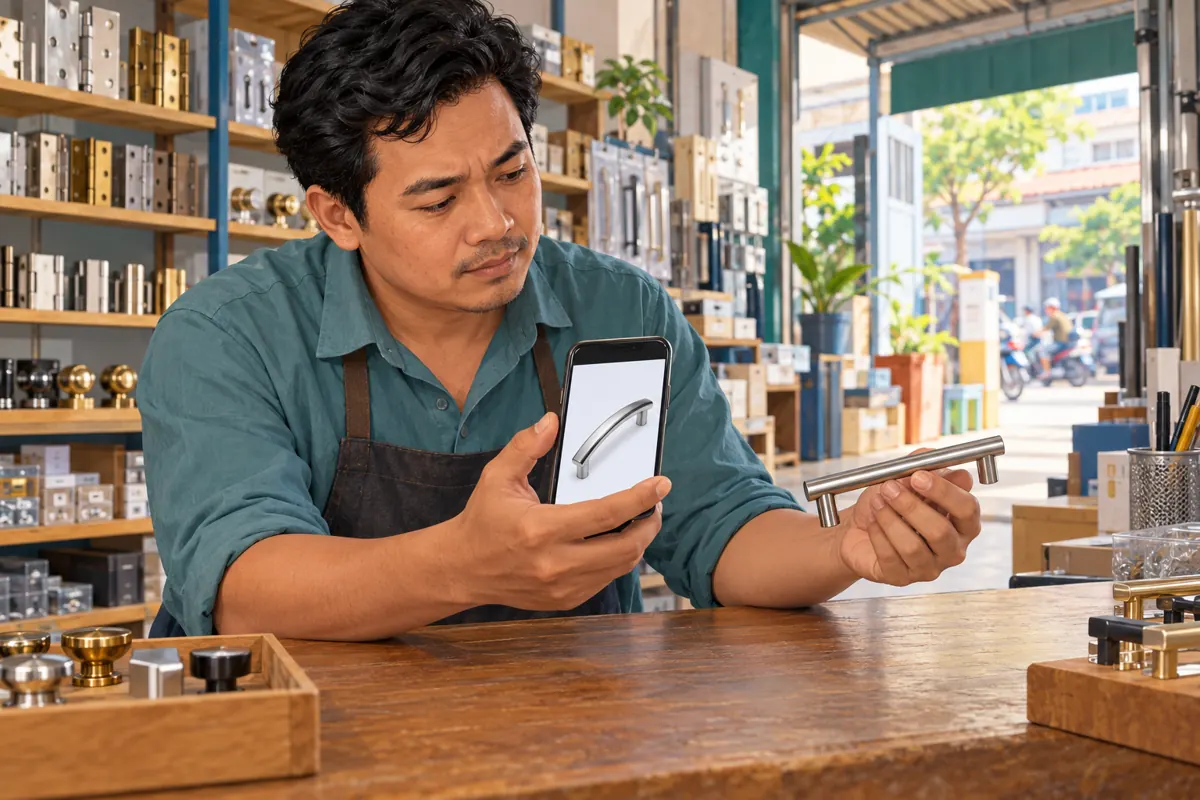
A product caption can be accurate while its photograph sells the wrong item. For a Cambodian hardware shop, two cabinet handles may share a finish but have different shapes, mounting points or included fittings. If staff post the wrong photograph on Telegram, simply making the image look better will not resolve the customer's uncertainty. The useful response is to identify the error, choose whether to correct the existing post or create a separate listing, and contact anyone whose order may depend on the original picture. This workflow also gives an SMM panel customer a clear point at which to stop preparing promotion and check what the destination actually shows.
1. Identify exactly what the photograph got wrong
Begin with the physical product and its stock record. Compare the published photograph with the handle's shape, finish, mounting arrangement and included accessories. Ask the colleague who prepared the listing which item they intended to advertise. A filename or a familiar-looking thumbnail is insufficient when adjacent products look similar. Write one factual sentence describing the mismatch before anyone starts editing.
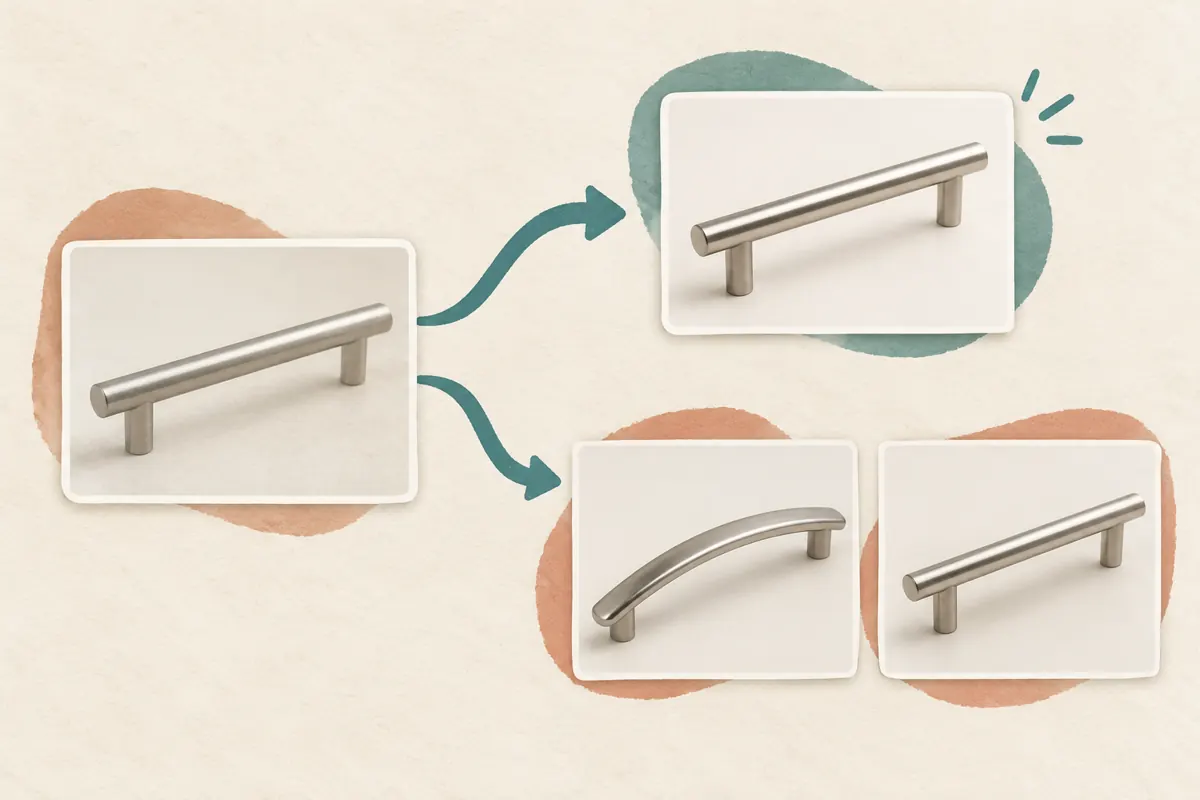
Consider a hypothetical Phnom Penh fittings shop: its caption describes a straight brushed-silver handle, but the attached photograph shows a curved model. The straight model is available, and the caption's product reference is correct. This is a photograph error. If staff instead want to advertise the curved model because the straight one has sold out, the task is a change of offer. That distinction determines whether replacing the picture will clarify the original message or rewrite its meaning.
2. Decide between a correction and a separate listing
Use media replacement when the post should still describe the same intended product. A sharper photograph, a corrected angle or the right image for an otherwise accurate listing can fit this approach. Preserve the identifying product reference, and add a correction note when the old image could have influenced a buying decision. Readers should be able to understand why the picture changed.
Create a separate listing when the product itself changes, such as moving from a straight handle to a curved alternative with different fitting requirements. Mark the original offer's status clearly where you can edit it. Avoid turning an established post into an unrelated product simply because it already has attention. If you cannot establish what the original offer meant, stop promotion and resolve the stock and caption details first. An uncertain listing is not ready for additional exposure.
3. Prepare the replacement from verified stock
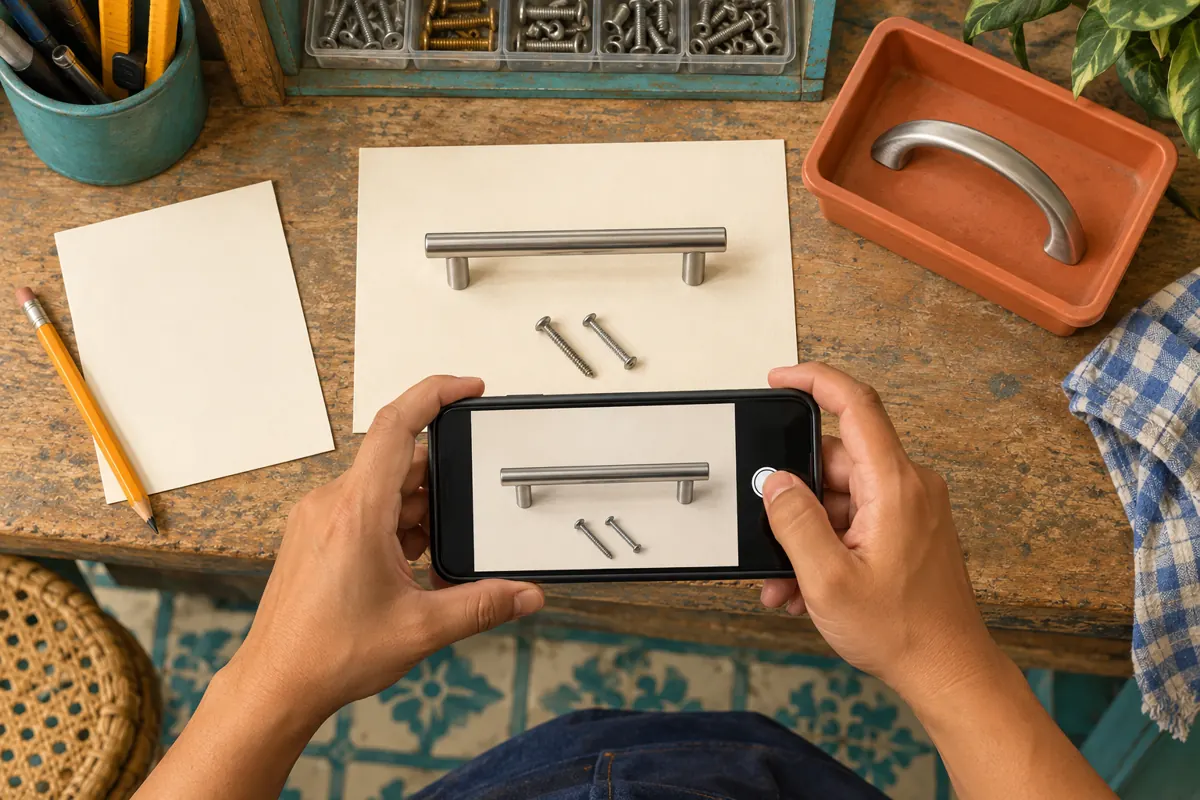
Place the intended handle on a plain surface and photograph the actual item the shop can supply. Show the parts that answer the likely purchasing question: the overall shape, the underside or fixing points, and any accessories that are included. Keep unrelated fittings outside the frame. If screws appear only for demonstration and are sold separately, make that distinction explicit in the caption.
In the hypothetical shop, a colleague checks the handle against the stock reference before another person takes the replacement photograph. They set the curved sample aside to prevent another mix-up. For Khmer-speaking customers, prepare the public explanation in the language they use, while retaining any genuine model code exactly. Check translated product terms with someone who understands the stock. A fluent sentence still causes trouble if it names the wrong finish or confuses overall length with mounting distance.
4. Replace the media and inspect the saved result
Telegram's official Replace Media announcement describes opening a sent message for editing and using the paperclip control to replace its photo or video. Its later Improved Videos documentation confirms that sent media can be re-edited or replaced. Open the intended post, enter its editing controls and choose the verified replacement. The precise control placement may differ between apps; follow the options visible in your installed client.
Review the preview and caption together before saving. After saving, reopen the post and inspect the full image, its crop and the product reference. If replacement controls are unavailable, have the authorized channel editor check the post rather than assuming every message can be changed from every account. Where correction in place is unavailable, publish a clearly identified correction and direct readers to the accurate listing. Do not leave the wrong photograph as the only explanation.
5. Explain a material correction in ordinary language
For the hypothetical straight-handle listing, a useful correction would say: “Photo corrected: the earlier image showed the curved handle. This listing is for the straight brushed-silver model shown now. Please confirm the model before collection if you enquired using the earlier photo.” This wording identifies the error and tells an affected customer what to do. Adapt it to verified facts rather than copying it into an unrelated listing.
Telegram documents a timestamp showing the most recent edit. That timestamp does not explain the commercial significance of the change, so provide your own concise note. A harmless crop adjustment may need little explanation; a different shape, fitting or included component deserves more. Do not describe a wrong product photograph as merely a visual refresh. Keep the correction near the product information so a reader does not have to search elsewhere to understand the offer.
6. Resolve enquiries made from the earlier image
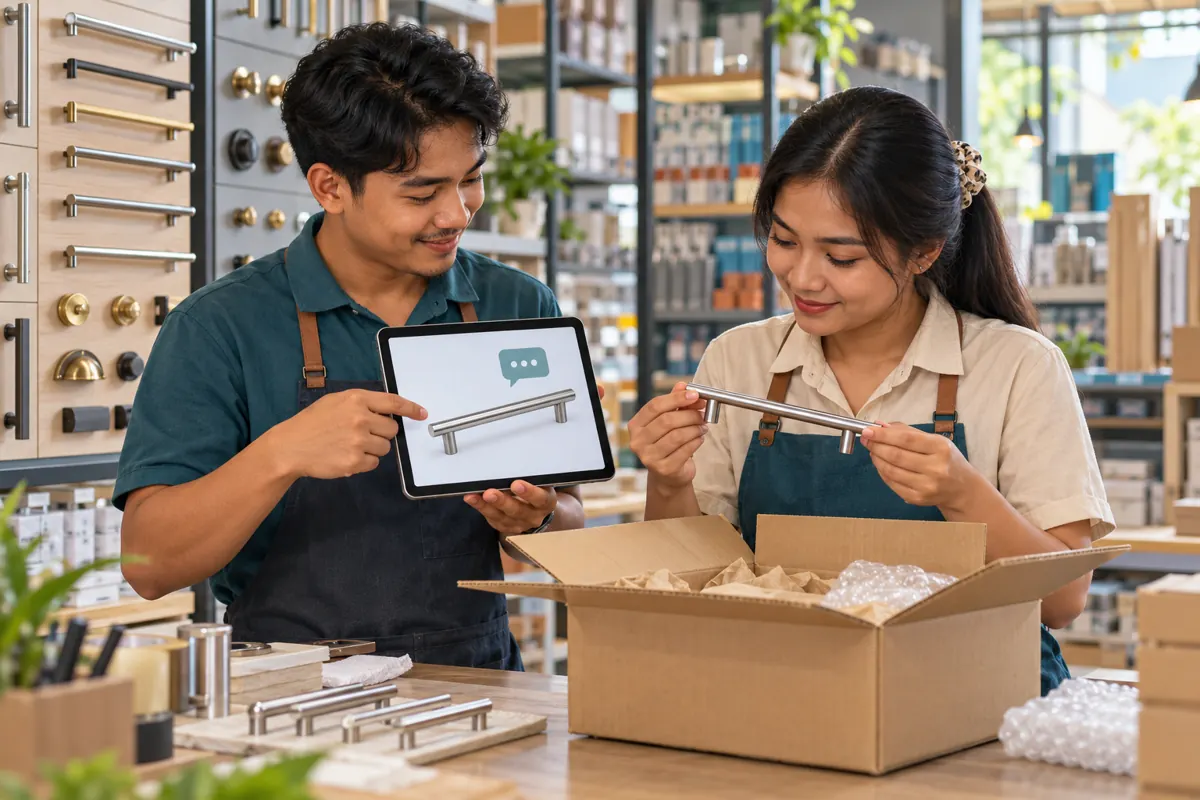
Review open conversations that refer to the affected post. Look for phrases such as “this one,” a screenshot of the old image or a request to reserve the pictured item. Send those customers the correct photograph and ask them to confirm the model before packing or collection. Keep addresses, telephone numbers and order details in the appropriate private conversation rather than placing them beneath the public correction.
Do not assume that correcting the channel post reaches everyone who saw the earlier picture. A customer may still be looking at a saved screenshot or a separate copy shared by a colleague. Ask which image they used when their request remains ambiguous. For a hypothetical buyer arranging collection through another person, confirm the product with the buyer first, then provide the agreed reference for collection. Silence after a correction is not confirmation of a changed order.
7. Review the SMM decision after the correction
The supplied public catalogue includes the exact service name Telegram Post Views. Its description is empty, so the supported interpretation is limited to the named service type. The brief does not establish delivery timing, viewer location, audience authenticity, retention or compatibility with edited posts. Check the current public terms before considering an order, and treat missing information as unresolved rather than filling it with assumptions.
Purchased engagement is not evidence of genuine interest, Cambodian users, sales or official advertising delivery. A view total cannot show whether someone understood the corrected handle model. If an order already references the post, preserve that reference and ask support about any relevant editing restrictions. Do not assume a media edit cancels, restarts or transfers delivery. If a separate listing is necessary, record its new reference separately and resolve the earlier order before making another purchase.
8. Verify the destination before resuming promotion
Open the exact destination intended for sharing and inspect it from a reader's perspective. Check that the displayed photograph, caption and correction all describe the same item. Confirm that a customer can identify the model and understand the next step without access to the staff conversation. If the listing uses an album, inspect every relevant image rather than checking only the first visible photograph.
Ask a colleague who did not prepare the correction to explain what they think is being offered. If they point to a different handle or assume unlisted accessories are included, revise the presentation before sharing it further. Review any prepared promotional copy as well: it may still describe the old photograph. Resume planned sharing only when the destination and its introduction agree. This check is useful whether the next activity is an ordinary channel share or consideration of a panel service.
9. Avoid shortcuts that create a second misunderstanding
One common mistake is correcting the photo while leaving a contradictory caption. Another is replacing the intended product with a more attractive alternative without saying so. Both make the post harder to trust. Use the correction to reduce ambiguity, and keep separate models identifiable. Do not add praise, urgency or popularity claims to distract from the original error.
Deleting and reposting immediately can also complicate existing references, enquiries and promotion records. Decide what needs preserving before taking that step. At the other extreme, avoid keeping an inaccurate post unchanged solely to protect its visible totals. When a correction affects a pending purchase, customer understanding takes priority over a tidy-looking campaign report. Finally, do not repeatedly change the photograph while colleagues are still checking stock; prepare one verified replacement and give one person responsibility for saving it.
10. Close the correction with a useful record
Keep a short internal record containing the post reference, the identified error, the approved replacement, the correction time and the person who checked it. Note whether any enquiries still require customer confirmation. If a panel order exists, retain its original reference and any relevant support response alongside the correction record. The purpose is to help the next colleague understand what happened without reconstructing the whole conversation.
Judge the workflow by whether the listing is accurate and affected customers have a clear decision to make. Record unresolved questions as unresolved. Do not claim that later sales or changes in view totals were caused by replacing the photo unless you have evidence supporting that conclusion. For future posts, add a simple stock-to-photo check before publication: one person identifies the physical item, and another matches it to the proposed photograph and caption.
Frequently asked questions
Should every improved photograph carry a correction notice?
The explanation should match the change. Improving lighting or removing empty space may not alter the offer. Replacing a curved handle with the correct straight one can affect a purchasing decision and deserves a clear notice. Ask whether someone relying on the earlier image would reasonably need new information before buying.
What if the caption was wrong as well as the photograph?
Verify the intended offer before changing either element. If both were wrong, identify the accurate model, included parts and availability first. Then decide whether a clearly explained correction is understandable or a separate listing is safer. Contact customers with pending enquiries rather than expecting them to infer the new offer.
Can we assume an existing panel order will continue after replacing media?
No. The supplied Telegram Post Views description provides no editing conditions. Retain the order and target references, check the current terms and ask support a specific question about the proposed change. Do not submit a replacement purchase merely because the image changed or delivery appears uncertain.
Does a higher view count mean customers accepted the corrected product?
No. A view count does not confirm understanding, product preference or an agreement to purchase. Purchased engagement adds no proof of Cambodian buying intent. For an affected order, use explicit confirmation of the model and relevant details. Keep that confirmation separate from any promotional metric.
How can a small shop prevent this without slowing every post?
Use a brief matching check at the counter: physical item, stock reference, photo and caption. Store easily confused models with clearly differentiated image names, and keep the approved image with its product details. Spend extra checking time on differences that affect fit, included components or what customers will receive.
Explore the current service catalogue, create an account, or ask a specific question through support tickets.
- Telegram: Replace Media, Share vCards, Mark as Unread, 2X Voice Messages, and More
- Telegram: Improved Videos and Much More
Prepared with AI assistance. Illustrations explain the workflow and do not represent customer results.